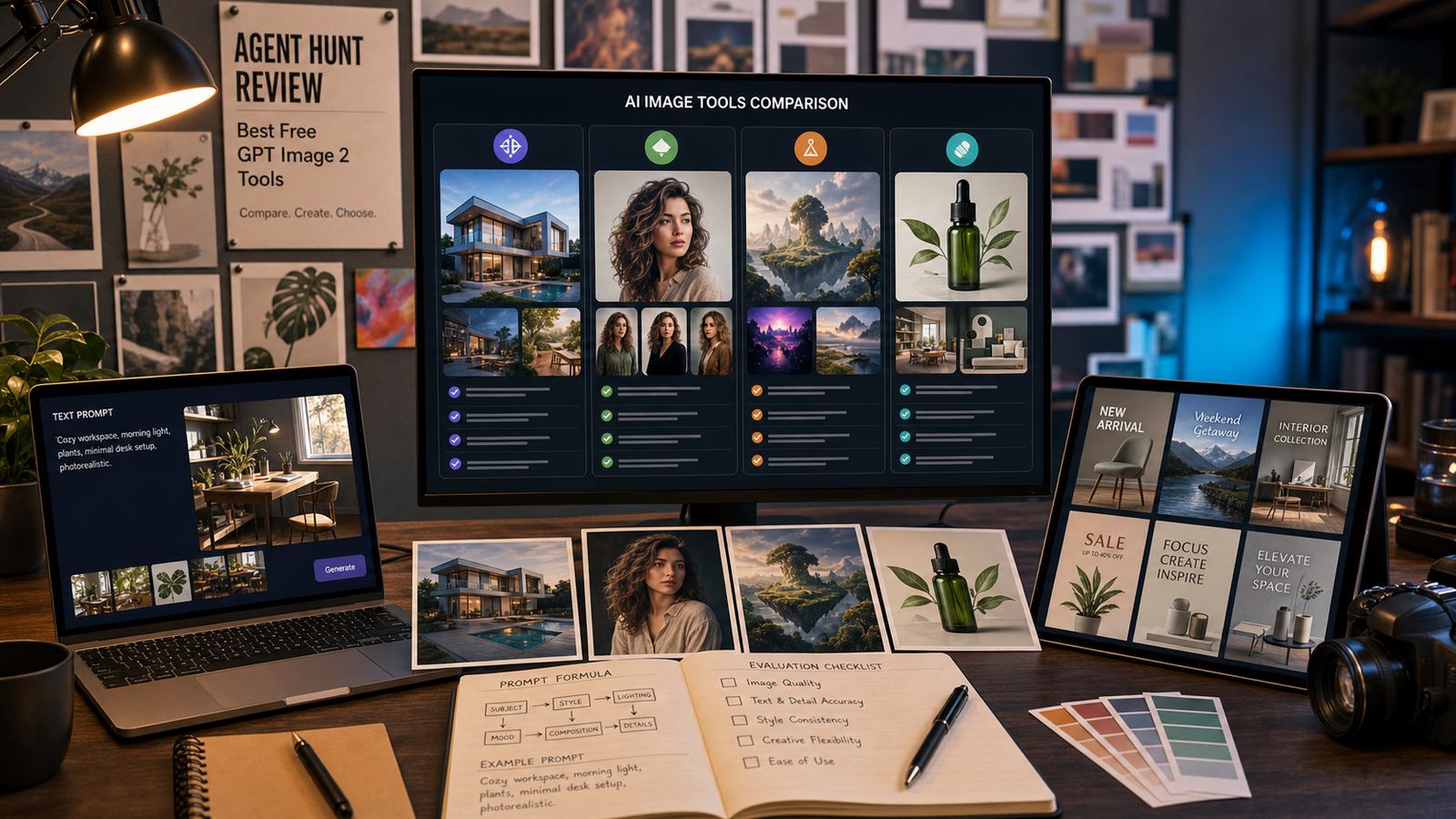
The Best Free Image Describer is not always the one with the longest output. For creators, marketers, bloggers, ecommerce sellers, students, accessibility writers, and AI artists, the better choice depends on whether you need alt text, captions, product copy, object lists, screenshot summaries, or image-to-prompt workflows.
This guide uses Agent Hunt as the discovery starting point, then compares five direct free image describer tools: Flyne AI, Fylia AI, VideoWeb AI, HeyDream AI, and Chat4O AI. The goal is practical selection, not fake accuracy scoring.

Quick Summary: Best Free Image Describer Tools by Workflow
Use Agent Hunt when you want to discover and compare AI tools before opening individual websites. It works well as a directory-style starting point because users can browse AI agents, free AI tools, and related visual workflow tools without jumping straight into one platform.
For direct image description work, start with the tool that matches your output goal:
| Tool | Best fit | Direct page |
|---|---|---|
| Flyne AI | Detailed descriptions, captions, marketing copy, object recognition, and image-to-prompt workflows | Free Image Describer |
| Fylia AI | Captions, prompts, and creative text from uploaded pictures | AI Image Describer |
| VideoWeb AI | Image descriptions, image questions, AI art prompts, and marketing-copy workflows | Image Description Generator |
| HeyDream AI | Structured visual descriptions and reusable image-to-prompt workflows | Free Image Describer |
| Chat4O AI | Picture descriptions, visual understanding, and AI art prompt generation | Picture Describer AI |
Treat every output as a draft. A free AI image describer can miss details, misread context, or add unsupported meaning, so review important descriptions before publishing.

Why Use Agent Hunt Before Choosing a Free AI Image Describer
Agent Hunt is useful when you want to compare tools by workflow instead of searching for one isolated website. A user looking for a free image describer may also need an image-to-prompt tool, a caption generator, an AI agent directory, or a broader creative workflow.
The directory angle is especially helpful for people who test many small AI tools. For example, a social media manager may need captions and Pinterest descriptions, while an ecommerce seller may need product descriptions and visible-object lists. Agent Hunt can act as the starting map, and the direct image describer pages become the working tools.
Use the Agent Hunt pages for discovery and positioning, then verify current limits and terms on each direct tool page. Upload limits, privacy settings, watermark behavior, and commercial-use language can change.

Five Free Image Describer Tools Compared
Compare free image describer tools by the text you need after upload. A tool that is useful for AI art prompts may not be the cleanest choice for concise alt text, and a tool that gives detailed descriptions may need trimming for product pages.
Flyne AI Free Image Describer
Flyne AI Free Image Describer is a strong first option when you want a flexible free picture describer online. It is a good fit for detailed descriptions, brief summaries, captions, marketing copy, object recognition, and image-to-prompt workflows.
Use Flyne AI when you need a practical all-purpose image description generator free enough for early drafts. It is especially useful for creators who want to upload an image and turn it into captions, prompt material, or buyer-facing copy.
Fylia AI Image Describer
Fylia AI Image Describer is a good fit for turning uploaded pictures into captions, prompts, and creative descriptive text. It is useful when the output should sound natural rather than overly technical.
Use Fylia AI when you are writing social posts, creative briefs, visual notes, or short descriptions from images. For AI art workflows, pair it with the Fylia AI Image to Prompt page when you want to convert visual details into reusable generation prompts.
VideoWeb AI Image Description Generator
VideoWeb AI Image Description Generator fits users who want image descriptions, custom image questions, AI art prompts, and marketing-copy support from one image-analysis workflow. It is practical for creators who need to ask follow-up questions about a visual, not only receive a generic paragraph.
Use VideoWeb AI when you need an AI image description tool online for campaign drafts, image questions, visual analysis, or prompt reuse. Its adjacent Image to Prompt page is also useful when the goal is prompt extraction.
HeyDream AI Free Image Describer
HeyDream AI Free Image Describer is best positioned for structured visual descriptions and reusable image-to-prompt workflows. Use it when you want a clear description that can later become a prompt, creative brief, or visual analysis note.
Because live pages and tool behavior can change, verify current upload limits and privacy terms before using image uploads for client work or commercial publishing.
Chat4O AI Picture Describer AI
Chat4O AI Picture Describer AI is useful for picture descriptions, visual understanding, and AI art prompt generation. It is a good option when you want to describe the picture with AI and then reuse the output for a caption, prompt, or summary.
Use Chat4O AI when your workflow starts with visual understanding and ends in creative text. For more context, its related guide on describing pictures with free image describer AI can help users think through safer prompt and review habits.

How to Choose an AI Image Describer by Use Case
Choose the tool based on the format you need to publish. “Describe this image” is too broad unless you also specify the purpose, audience, and output style.
For accessibility, use an image describer to draft alt text, then manually edit it. Good alt text focuses on the most important visual information, not every object in the frame. Avoid unsupported assumptions about identity, intent, emotion, private details, medical conditions, or legal meaning.
For marketing, ask for product copy, landing page copy, or social captions, but remove any exaggerated performance claims. If the image shows a product, describe visible material, color, setting, and use case rather than inventing features.
For AI art, ask the tool to convert the image into a prompt. A useful prompt should include subject, setting, style, composition, camera angle, lighting, color palette, mood, and constraints. For adjacent prompt extraction, use pages such as Flyne AI Image to Prompt, Fylia AI Image to Prompt, VideoWeb AI Image to Prompt, and HeyDream AI Image to Prompt.

A Safer Image-to-Text Workflow for Captions, Alt Text, and Prompts
A safe image-to-text workflow separates observation from interpretation. Ask the AI to describe what is visible first, then decide whether you need a caption, alt text, object list, product description, or AI image prompt.
Use this workflow:
- Upload the image only if you are comfortable with the platform’s current privacy and upload terms.
- Ask for a factual description focused on visible details.
- Request a second version for your use case, such as alt text, caption, product copy, or AI art prompt.
- Remove identity guesses, private-data inferences, medical claims, legal judgments, and unsupported context.
- Check the output against the image before publishing.
This is especially important for people in images. A picture describer can describe visible clothing, pose, activity, expression, and scene context, but it should not identify people, infer sensitive traits, or make private claims.

Accuracy, Privacy, and Commercial-Use Checks Before Publishing
No image description generator should be treated as perfectly accurate. Image describers can miss small objects, overstate context, misread screenshots, misunderstand product details, or hallucinate meaning that is not visible.
Before publishing, check these points:
- Accuracy: Does the text match the image, or did the tool add unsupported details?
- Accessibility: Is the alt text concise and useful for the page context?
- Privacy: Are there faces, personal documents, addresses, account names, or private workspace details in the upload?
- Safety: Did the tool guess identity, medical status, legal status, age, private traits, or emotional state?
- Commercial use: Have you checked each platform’s current terms, usage rights, watermark rules, and upload limits?
For ecommerce, also remove exaggerated claims. A tool can describe a visible shoe, bottle, bag, or device, but it should not invent performance, durability, medical benefit, certification, or customer results.

Prompt Formula and Copy-to-Use Examples
The best image describer prompts tell the tool what the output is for. A caption, alt text, object list, screenshot summary, product description, and AI image prompt should not all sound the same.
Reusable prompt formula:
Describe this image for [use case]. Focus on [subject], [setting], [objects], [composition], [colors], [lighting], [mood], [style], and [important visible details]. Output as [detailed description / short caption / alt text / product copy / object list / AI image prompt / custom answer]. Avoid guessing identities, private details, medical conditions, legal conclusions, or unsupported context.
Copy-to-use examples:
- Describe this image in detail for a blog post. Include the subject, scene, visible objects, colors, lighting, composition, and mood. Keep the wording natural and accurate.
- Generate concise alt text for this image. Focus only on the most important visual information. Do not include unsupported assumptions.
- Turn this image into a social media caption. Make it clear, engaging, and accurate without inventing facts or brand claims.
- Describe this product photo for ecommerce. Include the product type, visible material, color, setting, use case, and buyer-relevant details. Avoid exaggerated performance claims.
- Convert this image into an AI art prompt. Include subject, setting, style, composition, camera angle, lighting, color palette, mood, and constraints.
- List the objects in this image. Group them into foreground, middle ground, and background when possible.
- Describe the people in this image without identifying them. Focus on visible clothing, pose, activity, expression, and scene context.
- Analyze this screenshot and summarize the visible UI elements, buttons, panels, settings, and workflow steps.
- Create marketing copy based on this image for a product landing page. Keep it benefit-focused but accurate and non-misleading.
- Describe this image for Pinterest. Focus on niche, visual hook, style, mood, and what kind of board or pin it would fit.
- Rewrite this image description into a short AI image prompt for generating a similar visual. Preserve subject, style, lighting, and composition.
- Compare two uploaded images and describe the key differences in subject, composition, lighting, colors, mood, and likely use case.
If the first output is too vague, ask for a narrower format. For example, “rewrite as 120-character alt text” or “turn this into an AI image prompt with lighting and camera details.”

FAQ and Final Recommendation
What is the best free image describer overall?
There is no universal best choice. Use Agent Hunt to discover and compare tools, then test Flyne AI, Fylia AI, VideoWeb AI, HeyDream AI, and Chat4O AI based on the output you need.
Can a free AI image describer write alt text?
Yes, it can help draft alt text, but you should review it manually. Good alt text depends on page context, and AI tools may add details that are not visible or important.
Can image describers identify people?
Do not use image describers for identity guessing or private-data inference. A safer prompt asks the tool to describe visible clothing, pose, activity, and setting without identifying anyone.
Which image describer is best for AI art prompts?
Flyne AI, Fylia AI, VideoWeb AI, HeyDream AI, and Chat4O AI can all support image-to-prompt workflows in different ways. For prompt extraction, also test the adjacent image-to-prompt pages listed in this guide.
Conclusion
The Best Free Image Describer for your workflow is the one that turns an uploaded image into useful, reviewable text for the job you actually have. Start with Agent Hunt to compare AI image description tools, then test Flyne AI, Fylia AI, VideoWeb AI, HeyDream AI, and Chat4O AI with the same image and prompt. Keep the strongest draft, verify the details, and edit the final output for accuracy, privacy, and publishing context.