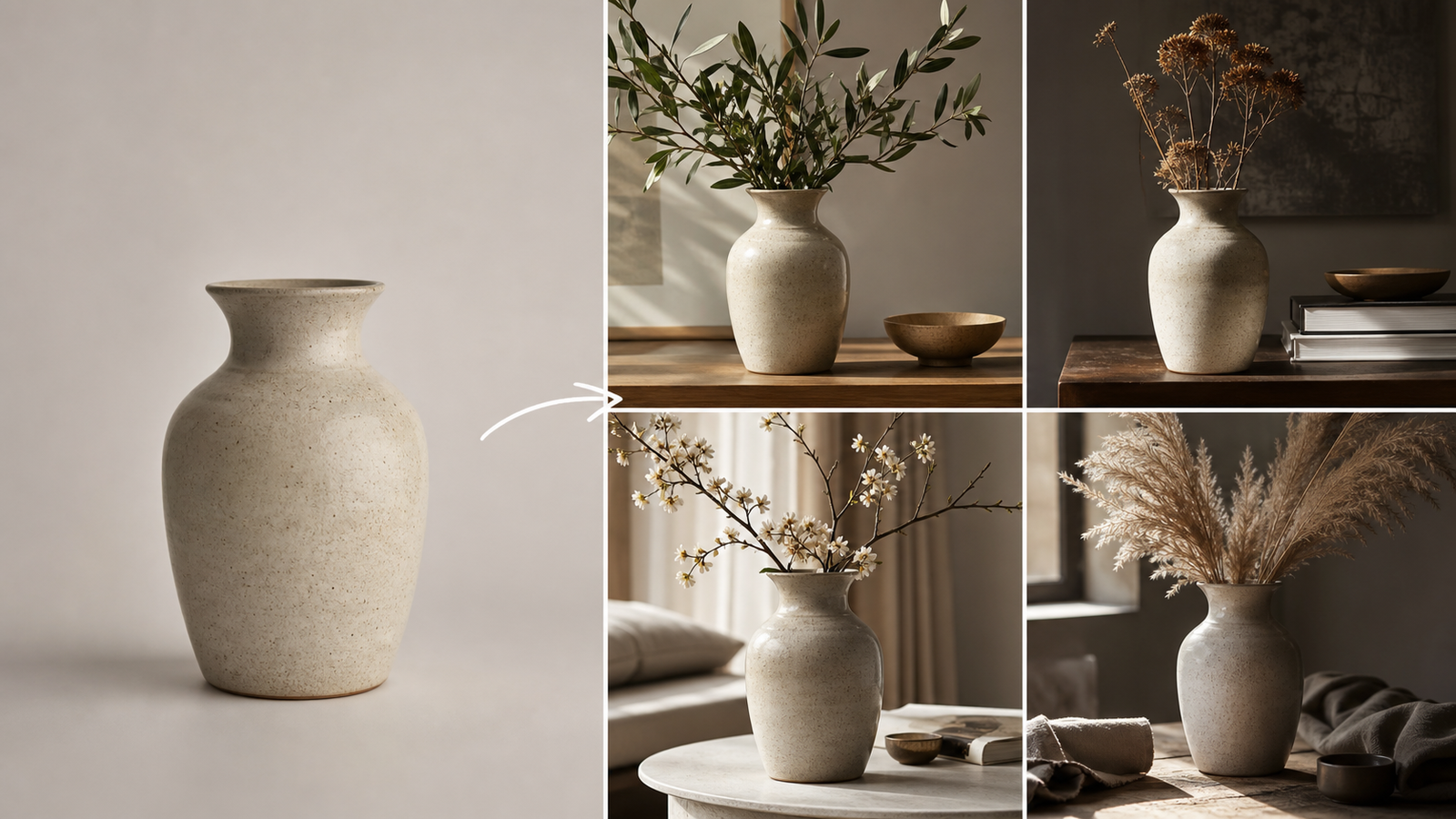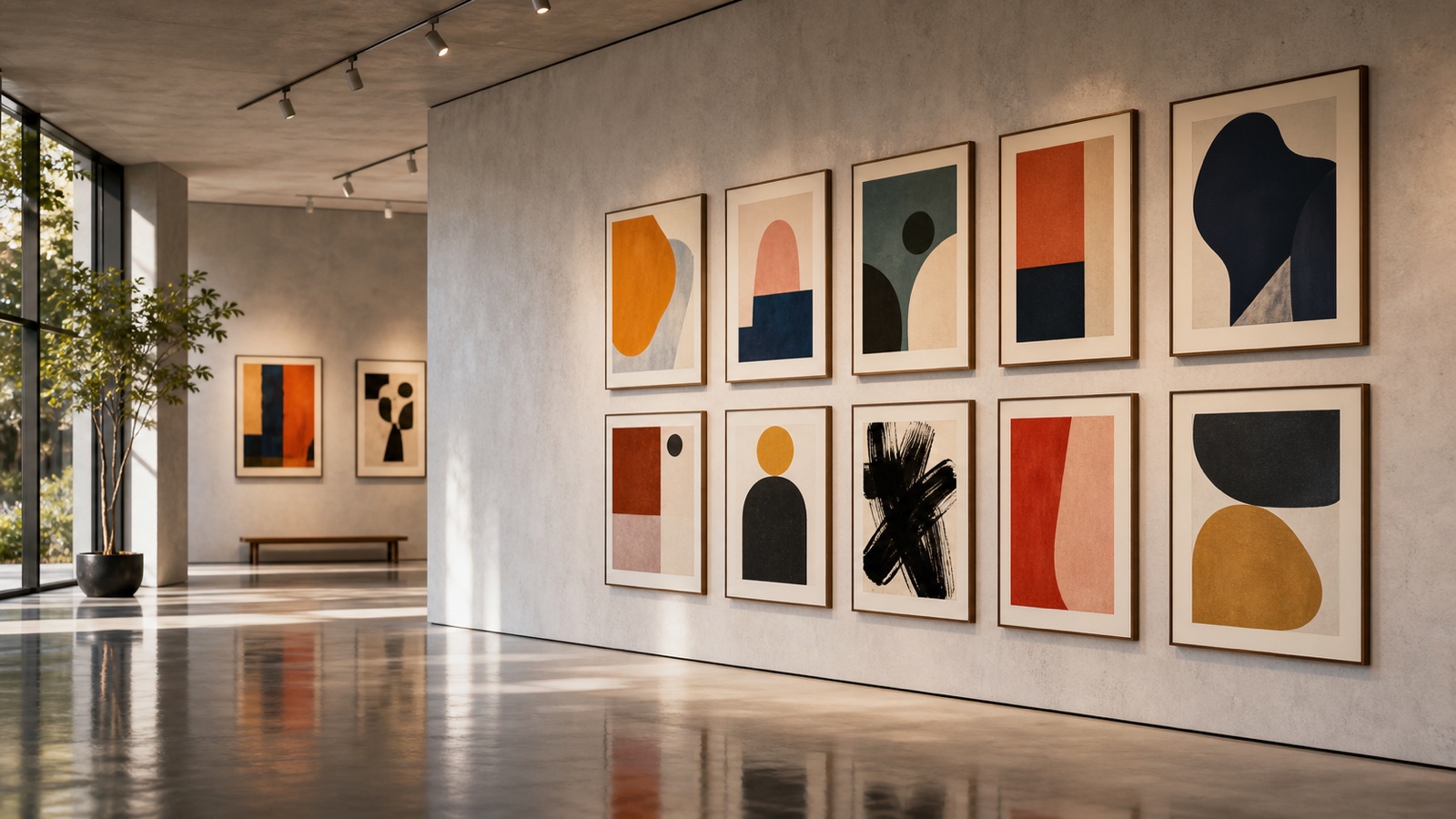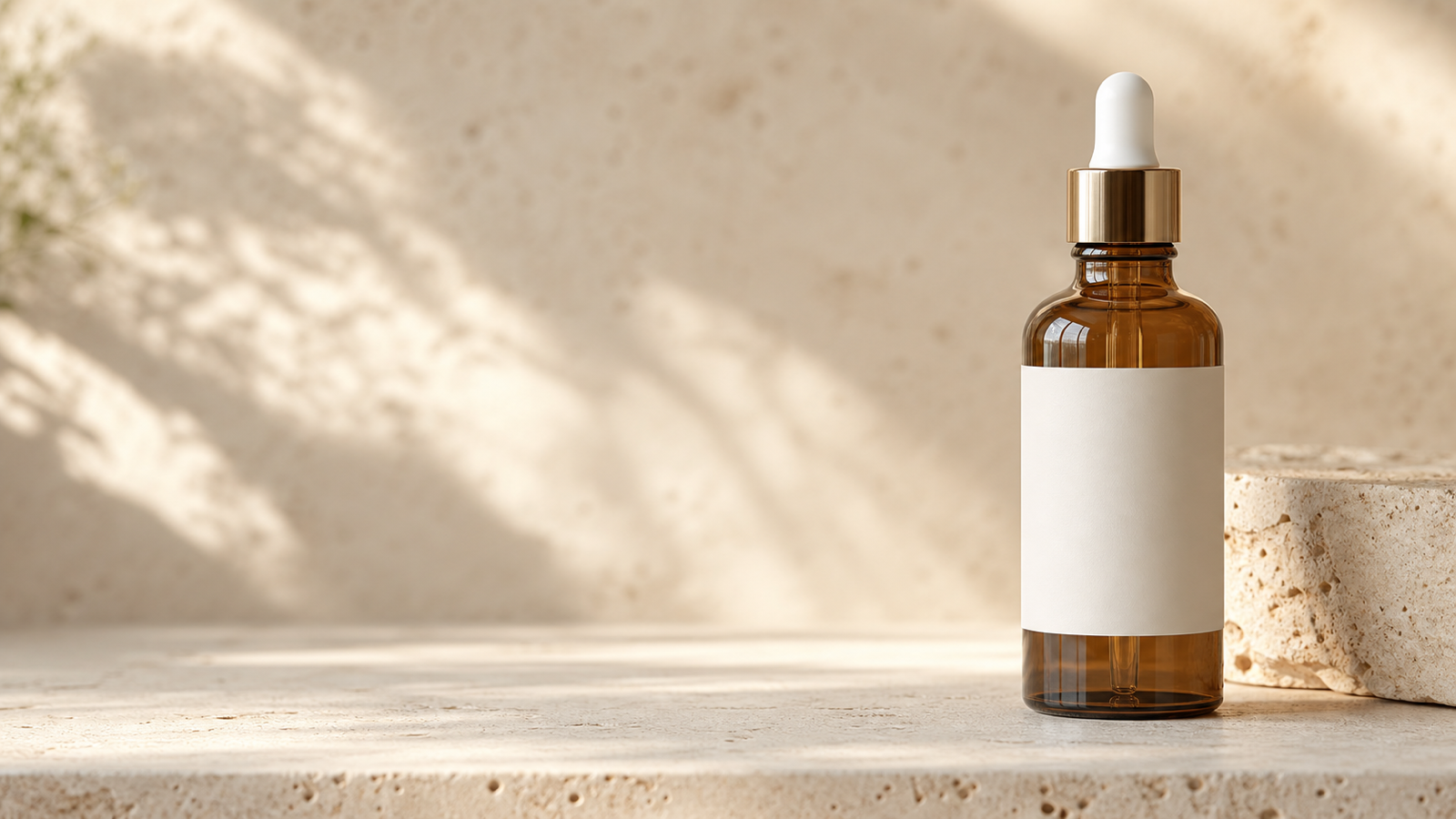
Free Nano Banana AI for ecommerce is most useful when a real product photo needs more than one job. A seller can start with a clean packshot, then explore a seasonal scene, a social ad, a marketplace-ready background, or a landing-page visual without arranging a new shoot for every concept. The reliable approach is to treat the original image as the source of truth and the generated image as a variation that must be checked before it is published.
AgentHunt Free Nano Banana AI is the practical starting point for browser-based tests. Its page currently advertises free use, no signup, no credit card, and no usage limits, and accepts JPEG, JPG, PNG, and WebP images. For an existing product photograph, use AgentHunt Free Image-to-Image AI to request controlled background, style, and lighting changes. Use AgentHunt Free Text-to-Image Generator when the campaign idea starts from a written brief rather than an asset.

Why Free Nano Banana AI Fits Ecommerce Marketing Work
The value of Nano Banana AI for ecommerce marketing is variation, not a substitute for the facts of the product. One clean photo can become a homepage hero, an email banner direction, an outdoor lifestyle concept, or a visual route for a paid social campaign. This gives small brands and marketplace sellers a faster way to test art direction before commissioning final production assets.
AgentHunt’s Nano Banana page explicitly positions the tool around image generation and reference-image editing, with examples including ecommerce product photos, posters, brand promotion, and design work. Its live page says that a generation may take five to seven minutes, so plan for short batches rather than presenting the process as instant. Start with one concept, inspect it, then make the next variation from the approved direction.
The strongest use cases are product heroes, listing-image backgrounds, lifestyle scenes, seasonal campaigns, bundles, landing-page visuals, email graphics, and creator-style assets. The weakest use case is inventing a “perfect” product image from a vague prompt. Upload the product whenever accurate packaging, color, silhouette, or material is important.

The Product-Photo Workflow: Preserve, Vary, Inspect
Use AgentHunt Image-to-Image AI when you already have a product photograph. Its page describes image transformation for ecommerce visuals with different backgrounds, styles, and lighting, which maps neatly to the work sellers repeat each week.
- Upload the cleanest available product photo. Use an uncluttered source with the full product, readable edges, and no severe glare.
- State the invariants first: product shape, proportions, material, packaging colors, logo placement, label text, cap, perspective, and camera angle.
- Ask for one controlled change: a new setting, a softer light direction, a single prop family, or a campaign ratio.
- Generate a small set of variations, then compare them against the original photo.
- Inspect the packaging at full size. Check labels, logos, ingredient text, seams, shadows, reflections, and any part a buyer could use to identify the item.
- Export the strongest image and add final typography in a design tool when exact copy is required.
Use this reusable product-editing formula:
Use the uploaded product image as the exact reference. Preserve the product shape, proportions, materials, packaging colors, logo placement, label text, cap, camera angle, and perspective. Replace only the background with [setting]. Use [lighting style], realistic contact shadows, accurate reflections, and a [ratio] ecommerce composition. Leave clean space for [headline, price, or CTA]. Do not alter the product.

Product Images Worth Creating First
Prioritize the visual formats that answer a different shopper question. A white-background listing image proves what the item looks like. A lifestyle scene supplies context. A seasonal variation gives a campaign an occasion. A social ad needs a clear focal point and deliberate negative space for copy.
| Asset | Best source | What to protect | Useful output direction |
|---|---|---|---|
| Marketplace listing photo | Existing packshot | Shape, color, labels, count | Clean white or neutral background, realistic contact shadow |
| Product hero | Existing photo or controlled text-to-image concept | Material, camera angle, hero silhouette | 16:9 with open headline space |
| Lifestyle image | Existing product image | Product scale and perspective | Natural environment, restrained props |
| Seasonal campaign | Existing product image | Packaging and color palette | A single timely prop family and corresponding light |
| Bundle or collection | Multiple product photos | Count, order, shared lighting | Balanced composition and consistent shadows |
| Social ad | Existing product image | Product focal point | 4:5 or vertical crop with copy space |
For a product that must stay factual, use generated visuals as campaign composition experiments first. The more regulated the category, the more careful the review should be. Never ask a model to invent certifications, ingredients, medical benefits, testimonials, performance statistics, discounts, or guarantee language.

Ten Nano Banana Prompts for Product Photos and Ads
Use prompts that name the product and also define the parts that are not allowed to change. These requests are intentionally specific about scene direction while remaining conservative about product facts.
- Use the uploaded skincare bottle as the exact reference. Preserve the packaging, label, colors, proportions, and cap. Place it on pale stone in a bright minimalist bathroom with soft morning light and realistic shadows. Output 4:5.
- Create a premium hero image for the uploaded coffee machine. Preserve the product exactly. Place it in a warm modern kitchen with subtle steam, natural window light, and clean negative space for a headline.
- Create three social-ad variations from the uploaded shoe image. Preserve the shoe design and branding. Use a studio background, an urban night setting, and an outdoor running scene.
- Create a summer campaign image for the uploaded beverage can. Preserve the can, label, colors, and proportions. Add ice, condensation, citrus slices, and bright sunlight without covering the packaging.
- Turn the uploaded plain product photo into a marketplace-style listing image on a clean white background. Preserve every product detail, add a realistic contact shadow, center the product, and include no extra text.
- Create a creator-style product photograph using the uploaded item. Place it naturally on a bathroom counter with phone-camera framing, soft daylight, believable lifestyle props, and no visible platform logos.
- Create a luxury holiday campaign for the uploaded perfume bottle. Preserve the bottle and label exactly. Use deep red fabric, gold reflections, subtle festive lights, and premium editorial lighting.
- Create a three-product bundle image from the uploaded references. Preserve each package accurately, arrange them in a balanced triangular composition, and use a clean studio background with realistic shared shadows.
- Replace only the background of the uploaded product image with a modern home-office setting. Preserve the product, hand position, lighting direction, and camera perspective.
- Create a 16:9 landing-page hero visual for [product]. Place the product on the right, use [brand colors], add soft dimensional lighting, and leave clear copy space on the left.

Which Free Nano Banana AI Tool Should You Use?
Start with the tool that matches the asset you already have. AgentHunt Nano Banana AI is the best free starting point for a first product visual or reference-image experiment. AgentHunt Image-to-Image AI is the better first choice when a real packshot needs controlled visual changes. AgentHunt Text-to-Image is the right first stop when designers need mood boards, campaign backgrounds, poster concepts, or a visual direction before the product photography exists.
| Tool or route | Best for | Why it fits |
|---|---|---|
| AgentHunt Nano Banana AI | Free browser-based product and ad tests | Current page advertises no-signup, no-card access and image uploads |
| AgentHunt Image-to-Image AI | Existing product photos | Explicit ecommerce background, style, and lighting use case |
| AgentHunt Text-to-Image | Campaign directions from scratch | Built for written creative briefs and visual concepts |
| FreeImGen | No-signup alternative testing | Useful adjacent free-route comparison |
| Flyne AI | Creator-focused image experiments | Relevant for uploaded-photo editing and visual variations |
| HeyDream | Reference-oriented visual exploration | Useful when preserving supplied visual details matters |
| Fylia AI Inpaint | Local corrective edits | Better suited to focused additions, removal, or refinement |
| SeeVido | Campaign imagery that may become motion | Useful adjacent route for image-led video concepts |
| Flaq AI Nano Banana 2 Edit API | Scalable API workflows | Better fit for developers and agencies automating repeatable transformations |
These are workflow recommendations, not permanent plan guarantees. Test a fresh browser session before publishing a process that depends on free use, repeat-generation limits, download formats, or privacy options.

Evaluate Outputs Like a Product Marketer, Not a Prompt Collector
Run the same source photo and instructions through each candidate tool. The result is more useful than comparing feature lists because it shows whether the output holds up for your specific packaging and creative direction.
Review product-shape preservation, packaging and label accuracy, logo placement, color consistency, realistic lighting, contact shadows, background replacement, object addition or removal, local-edit precision, text behavior, reference-image consistency, aspect ratios, output resolution, generation speed, signup friction, watermarks, privacy, and commercial-use terms. Keep a simple pass/fail sheet rather than inventing a numerical “quality score.”
For any image meant for a marketplace or paid campaign, compare it side by side with the original. Look especially for changed cap geometry, missing components, altered label spacing, reflection errors, and props that obscure the product. Generated text and small packaging details deserve an extra review; add approved copy in your design system rather than trusting an image model to reproduce it exactly.

Final Recommendation for Ecommerce Marketers and Designers
For most sellers, AgentHunt Free Nano Banana AI is the sensible first tab to open for free Nano Banana AI for ecommerce. Use it to test a product hero, a seasonal treatment, or a social concept. Switch to AgentHunt Image-to-Image AI when the real product photo is non-negotiable, and use AgentHunt Text-to-Image for campaign ideas that start from an art direction brief.
The best production habit is simple: preserve the real product, vary only the campaign environment, and inspect every output before it reaches a customer. Check the live tool pages before relying on free or unlimited access, and confirm the terms that govern uploaded images, exports, privacy, and commercial use. For a repeatable development pipeline, consider the Flaq AI model market and Nano Banana edit APIs instead of a manual browser-only process.
FAQ
Is AgentHunt Nano Banana AI free for ecommerce images?
The live page currently advertises free use, no signup, no credit card, and no usage limits. Treat those as current page claims and re-check them in a fresh browser session before planning a production campaign.
Can AI keep my product label and logo exactly unchanged?
It may preserve them well enough for a draft, but do not assume exact reproduction. Inspect the full-size output against the original and use approved source art for final labels, legal copy, and logos.
Which tool should I use for an existing product photo?
Start with AgentHunt Image-to-Image AI because it is specifically positioned for transforming source images into ecommerce visuals with new lighting, styles, and backgrounds.
Can I use generated product images in ads or marketplace listings?
Only after checking each platform’s commercial-use terms, image-retention policies, and applicable marketplace rules. Do not let AI create unsupported product claims or misleading representations.