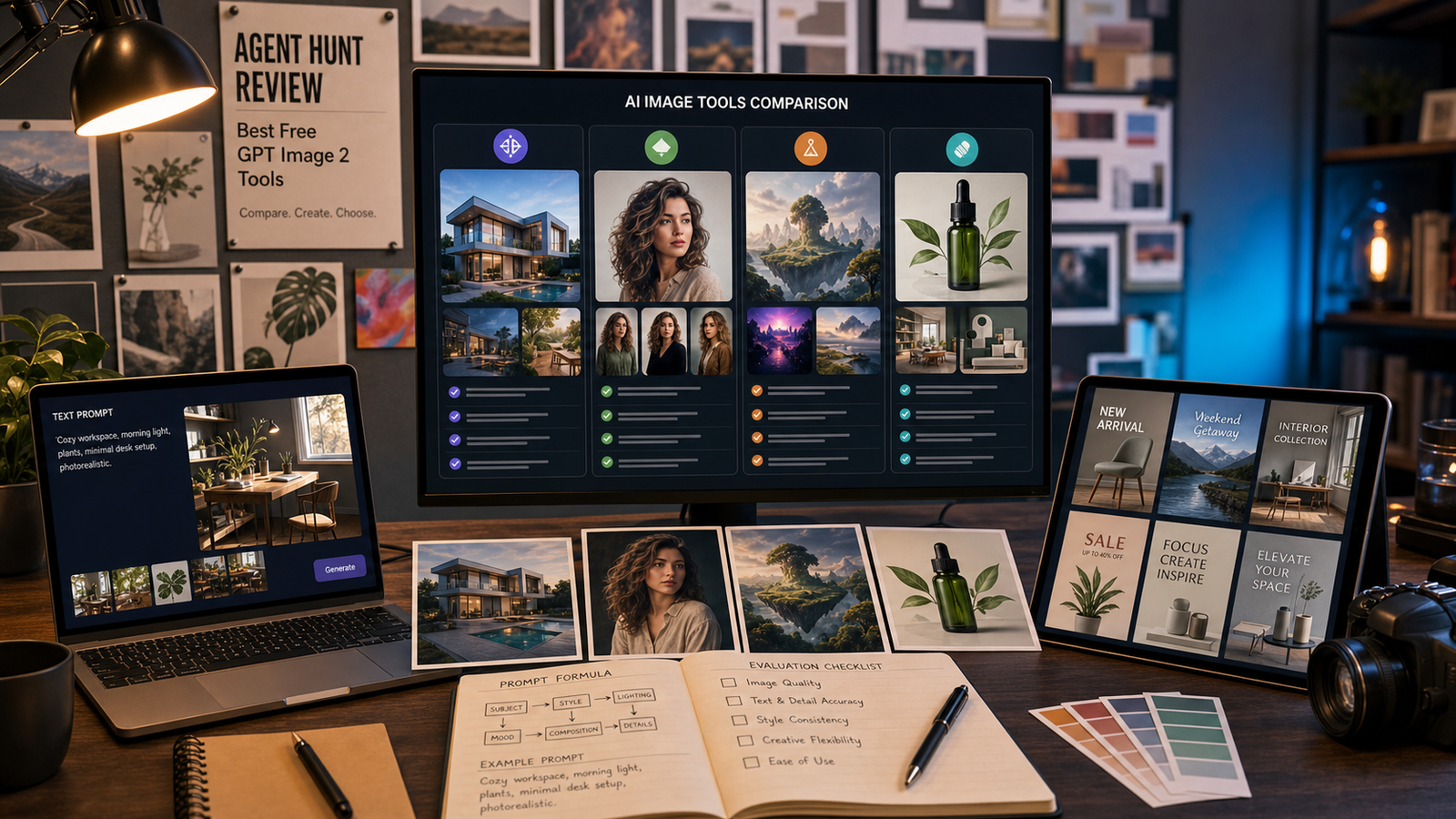
The best free GPT Image 2 tool is not just the page that says “free” the loudest. Creators, marketers, ecommerce sellers, designers, students, and prompt testers usually want a browser workflow that makes GPT Image 2 easy to try for text-to-image generation, image editing, reference-image experiments, product visuals, posters, social graphics, and brand mockups before they commit to a paid or API-based setup.
OpenAI has introduced ChatGPT Images 2.0 and lists gpt-image-2 in its image-generation API materials, but third-party access can vary by site. This Agent Hunt review focuses on the ecosystem pages that most clearly expose a GPT Image 2 page or workflow, while treating “free” carefully: always verify signup rules, daily credits, watermark behavior, resolution limits, privacy defaults, commercial-use terms, and API restrictions on the live page before publishing or using results for client work.

Quick Verdict: Best Free GPT Image 2 Tools to Check First
For most readers, the strongest starting point is AgentHunt GPT Image 2 because it sits naturally inside Agent Hunt’s broader AI tool discovery ecosystem. It is useful when you want a comparison-hub starting point, related categories, and a way to branch into more AI photo and image generators beyond a single model page.
The strongest pure free-access angle is FreeImGen GPT Image 2, especially for readers searching for a free GPT Image 2 online workflow or a GPT Image 2 no-signup test. Still, do not assume unlimited use, private generations, commercial rights, or watermark-free export unless the current page and terms clearly say so.
For direct browser-based GPT Image 2 workflows, check HeyDream GPT Image 2, Flyne GPT Image 2, SeaImagine GPT Image 2, Fylia GPT Image 2, and SeeVido GPT Image 2. For editing and API-adjacent work, Flaq GPT Image 2 and the Flaq GPT Image 2 API page are the most relevant links to review.

What Makes a Free GPT Image 2 Website Worth Using?
A good GPT Image 2 free image generator should make the first test easy without hiding the important limits. The visible workflow should clearly explain whether users can create images from text, edit or remix images, upload references, refine prompts, and download usable results.
When comparing best GPT Image 2 websites, look for these criteria:
| Criteria | Why it matters |
|---|---|
| Direct GPT Image 2 page | Reduces confusion about whether the site actually exposes the model or only discusses it |
| Free access terms | Clarifies whether “free” means no signup, trial credits, daily credits, or limited generations |
| Editing support | Matters for reference images, product retouching, posters, and social graphics |
| Prompt control | Helps users test text rendering, style consistency, composition, and brand-safe visual direction |
| Export rules | Affects watermark behavior, resolution limits, and commercial workflow fit |
| Privacy and public defaults | Important when uploading client assets, product shots, or personal photos |
| API or developer path | Useful for teams that want repeatable workflows or app integration |
The safest review habit is to separate page positioning from confirmed usage terms. A site may have a strong GPT Image 2 landing page and still have changing credit caps, signup rules, public-gallery defaults, or commercial-use conditions.

AgentHunt GPT Image 2: Best Comparison-Hub Starting Point
AgentHunt GPT Image 2 is the best starting point if you want the review to feel like a discovery workflow, not just a list of isolated tools. Agent Hunt’s broader platform context also helps readers move from one model page to related AI image categories and alternative image-generation tools.
This is especially useful for users who are not sure what they need yet. A marketer may start with a GPT Image 2 free image generator for campaign concepts, then explore AgentHunt’s AI Photo & Image Generator category for additional visual tools. A designer may compare GPT Image 2 with other image agents before choosing a production workflow.
Recommendation: start with AgentHunt if your main goal is comparison, discovery, and routing. Verify the live GPT Image 2 page for access level, account requirements, generation limits, image ownership language, and whether any “free” claims come with usage caps.

FreeImGen GPT Image 2: Strongest Pure Free-Access Angle
FreeImGen GPT Image 2 is the strongest option to check first when the search intent is specifically free GPT Image 2 no signup or free GPT Image 2 editor online. Its positioning is aimed at low-friction testing, which makes it attractive for students, casual creators, prompt testers, and social media users who want to try the model quickly.
Use FreeImGen for quick tests such as product images, posters, thumbnails, profile concepts, simple brand mockups, and reference-image editing experiments. It is also a natural fit for people who want to compare prompt quality before moving into a more structured creative system.
The caution is important: even if a page uses language like free, no signup, or unlimited, verify the live limits before relying on it. “Unlimited GPT Image 2 website” is a search phrase, not a guarantee. Check whether there are daily caps, queue limits, export limits, watermark rules, privacy defaults, or commercial restrictions.

HeyDream, Flyne, SeaImagine, Fylia, and SeeVido: Direct Browser Workflows
The direct browser-based pages are useful when readers want a GPT Image 2 AI image generator without starting from an API document. HeyDream GPT Image 2, Flyne GPT Image 2, SeaImagine GPT Image 2, Fylia GPT Image 2, and SeeVido GPT Image 2 belong in the core shortlist when their live pages expose a direct GPT Image 2 workflow.
These tools are best for creators who want browser-based testing across different interfaces. Try the same prompt on multiple sites and compare prompt following, text rendering, visual realism, editing control, image-to-image behavior, and export quality. For example, use one prompt for an ecommerce product mockup, one for a social poster, and one for an edited portrait or lifestyle image.
Because third-party model pages can change quickly, verify each page at publication time. A direct page may change from free access to trial credits, a broader model picker, a waitlist, or an article-style landing page. The article should not imply identical access across all five platforms.

Flaq GPT Image 2: Best for Editing and API-Adjacent Workflows
Flaq GPT Image 2 is the strongest fit for users who care about editing workflows, developer handoff, or API-adjacent evaluation. The Flaq GPT Image 2 API page is especially relevant for teams that want to understand model details, endpoints, or production-style planning beyond casual browser generation.
This makes Flaq useful for creative teams, ecommerce operators, app builders, and agencies. A team might test prompts in the browser, refine the best product-image or ad-creative prompt, then evaluate whether an API path is appropriate for repeated campaign generation or internal tooling.
Do not treat API-adjacent pages as automatic API entitlement. Confirm authentication, pricing, rate limits, supported operations, image-editing features, output size, data retention, commercial terms, and whether gpt-image-2 is the model actually being used in the workflow.

DreamMachine AI: Secondary Option for Broader Image Exploration
DreamMachine AI Image Generator is best treated as a secondary option for readers who want broader image-model variety rather than a clearly dedicated GPT Image 2 landing page. The brief suggests GPT Image 2 appears within the broader generator workflow, but a direct dedicated GPT Image 2 page should be verified before making it a main recommendation.
This option can still be useful for creative exploration. If readers want to compare prompt styles, image aesthetics, and model behavior across a wider image-generation environment, DreamMachine may be worth checking alongside the direct GPT Image 2 pages.
Position it carefully: use DreamMachine AI as an additional image platform to explore, not as proof of dedicated free GPT Image 2 access unless the live page clearly exposes that model and its access terms.

Best GPT Image 2 Tools by Use Case
The best free GPT Image 2 choice depends on what you are trying to make. A no-signup test, a product image, a social post, and an API workflow are different jobs, so they should not be judged with one generic score.
| Use case | Best starting point | Why |
|---|---|---|
| Comparison and discovery | AgentHunt GPT Image 2 | Good hub for moving between GPT Image 2 and broader AI image categories |
| Pure free-access testing | FreeImGen GPT Image 2 | Strongest low-friction free-access positioning |
| Browser-based generation | HeyDream, Flyne, SeaImagine, Fylia, SeeVido | Direct GPT Image 2 pages to test if live access is confirmed |
| Image editing | FreeImGen or Flaq | Useful angles for reference-image editing and creative refinement |
| Product visuals | FreeImGen, Flaq, HeyDream | Good places to test product mockups and ad-style prompts |
| Posters and social graphics | FreeImGen, Flyne, SeeVido | Practical for short-form visual concepts and campaign drafts |
| API-adjacent workflows | Flaq GPT Image 2 API | Most relevant for developer planning and repeatable workflows |
| Broader model variety | DreamMachine AI | Secondary platform when readers want more image-generator options |
The most reliable test is to run the same prompt across several platforms. Use a product mockup prompt, a poster prompt, an edited reference-image prompt, and a typography-heavy social graphic prompt. Then compare not only beauty, but also prompt obedience, text handling, edit accuracy, download quality, and usage terms.

Other Options to Check on Agent Hunt
Agent Hunt is also useful when GPT Image 2 is not the only model you want to evaluate. The AI Photo & Image Generator category and Text to Image category can help readers discover additional tools for illustration, product photography, brand visuals, image editing, avatar generation, and creative prompt testing.
This matters because the best image workflow is often a stack, not a single page. GPT Image 2 might be strong for prompt following and text rendering, while another tool may be better for batch production, style exploration, background removal, layout templates, or specialized product mockups.
Use Agent Hunt as the broader discovery layer: start with GPT Image 2, then compare adjacent tools when your workflow needs speed, variety, editing depth, or a different licensing model.

FAQ and Final Recommendation
Is GPT Image 2 officially an OpenAI model?
OpenAI has introduced ChatGPT Images 2.0 and its developer image-generation materials reference gpt-image-2. Use OpenAI’s official pages for model naming and API facts, and use third-party pages only to verify specific platform access.
What is the best free GPT Image 2 website?
For a comparison-first workflow, start with AgentHunt GPT Image 2. For the strongest pure free-access angle, check FreeImGen GPT Image 2. For direct browser testing, compare HeyDream, Flyne, Flaq, SeaImagine, Fylia, and SeeVido if their live pages expose GPT Image 2 access.
Does free mean no signup or unlimited use?
Not always. Free may mean no signup, trial access, daily credits, limited usage, public generations, lower resolution, or capped downloads. Verify the live page before assuming no signup, unlimited use, watermark-free export, or commercial rights.
Which GPT Image 2 tool is best for editing?
Flaq and FreeImGen are the strongest places to check first for GPT Image 2 editing and reference-image workflows. Confirm live editing features, upload rules, privacy behavior, and export limits before using sensitive or client-owned assets.
Which option is best for developers?
Flaq is the most API-adjacent recommendation because it has a GPT Image 2 API page. Developers should still verify authentication, pricing, rate limits, supported operations, and data policies before building on it.
Final Recommendation
If you want the best free GPT Image 2 starting point, begin with AgentHunt GPT Image 2 for comparison and discovery, then test FreeImGen GPT Image 2 for the pure free-access angle. Add HeyDream, Flyne, Flaq, SeaImagine, Fylia, and SeeVido for direct browser workflow comparisons, use Flaq for editing and API-adjacent planning, and keep DreamMachine AI as a broader image-generator option rather than a primary GPT Image 2 access claim.